


YOUR GATEWAY TO MOVEMENT

Your Gateway to Movement
The best tools disappear into the workflow. Nightly Wallet does exactly that for Movement Network — it takes the complexity of a next-generation blockchain and makes it feel as intuitive as checking your email. Whether you're bridging assets for the first time or diving deep into DeFi strategies, everything starts here.
Install Nightly
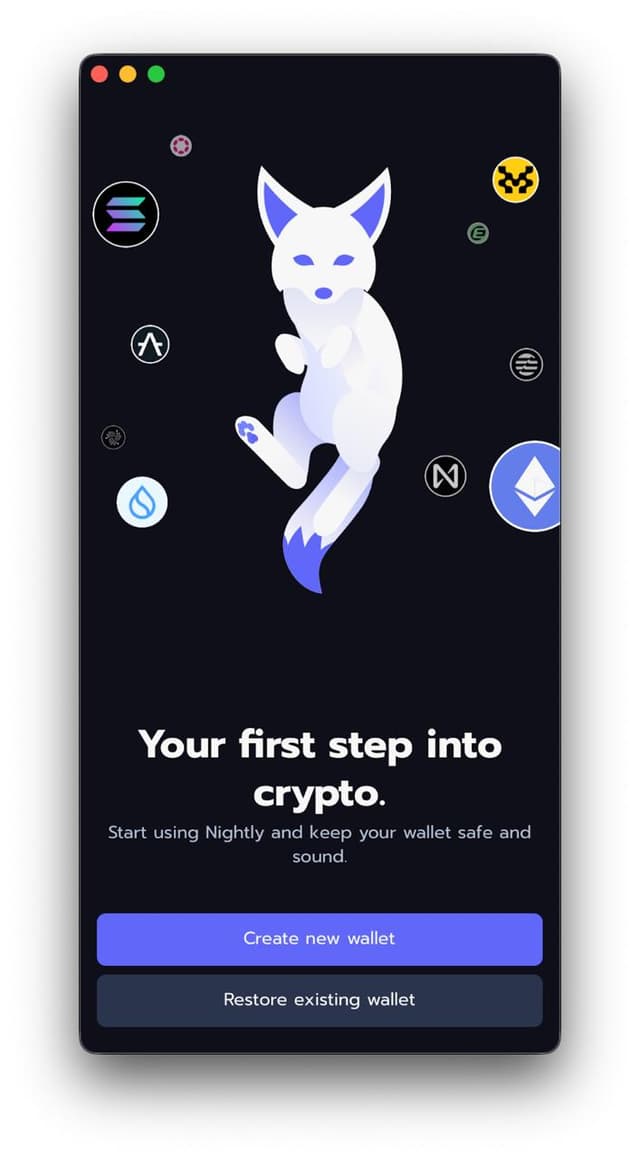
Head to your platform's store and download Nightly Wallet. It's available as a Chrome extension, iOS app, and Android app — pick whichever fits your flow. The install takes seconds. Once you open it, you'll see the welcome screen with options to create a new wallet or restore an existing one.
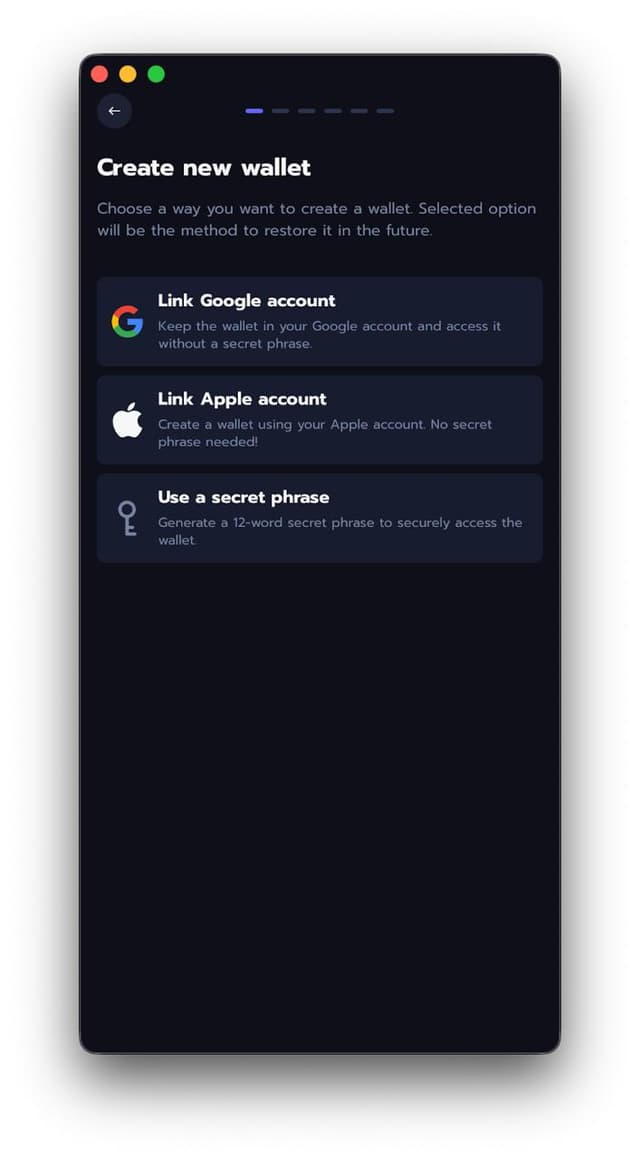
Choose Your Setup Method
Tap 'Create New Wallet' and you'll see three options: link your Google account, link your Apple account, or generate a secret phrase. Google and Apple sign-in let you skip the seed phrase entirely — great for convenience. If you want full self-custody, go with the secret phrase option.
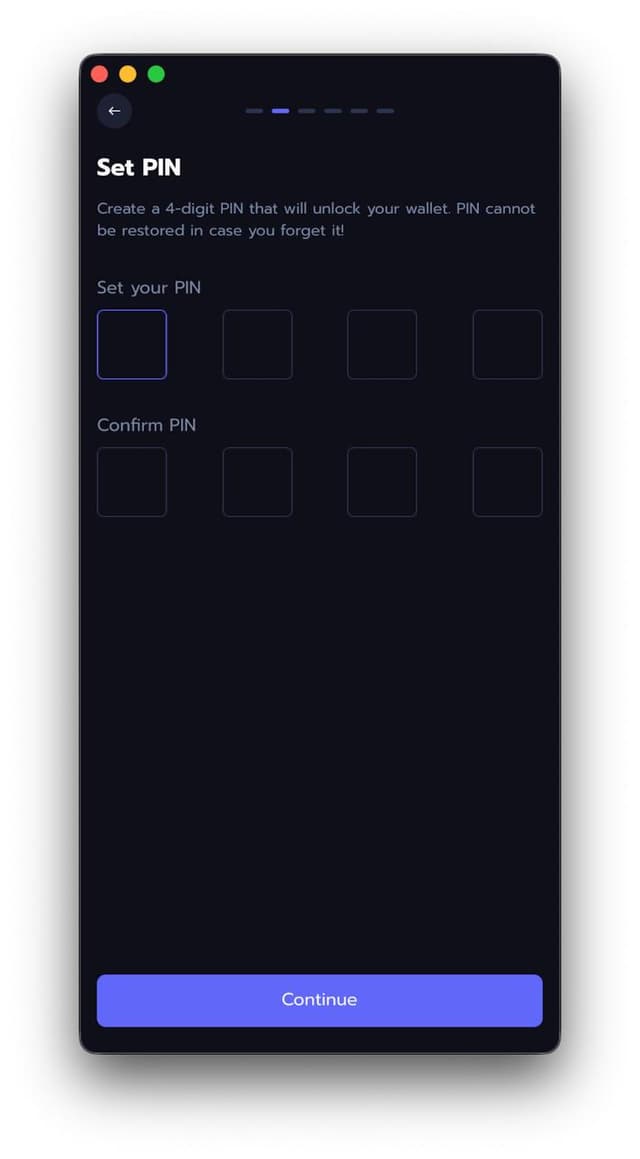
Set Your PIN
Create a 4-digit PIN that will unlock your wallet every time you open it. This PIN can't be recovered if you forget it, so pick something memorable but not obvious. You'll enter it twice to confirm.
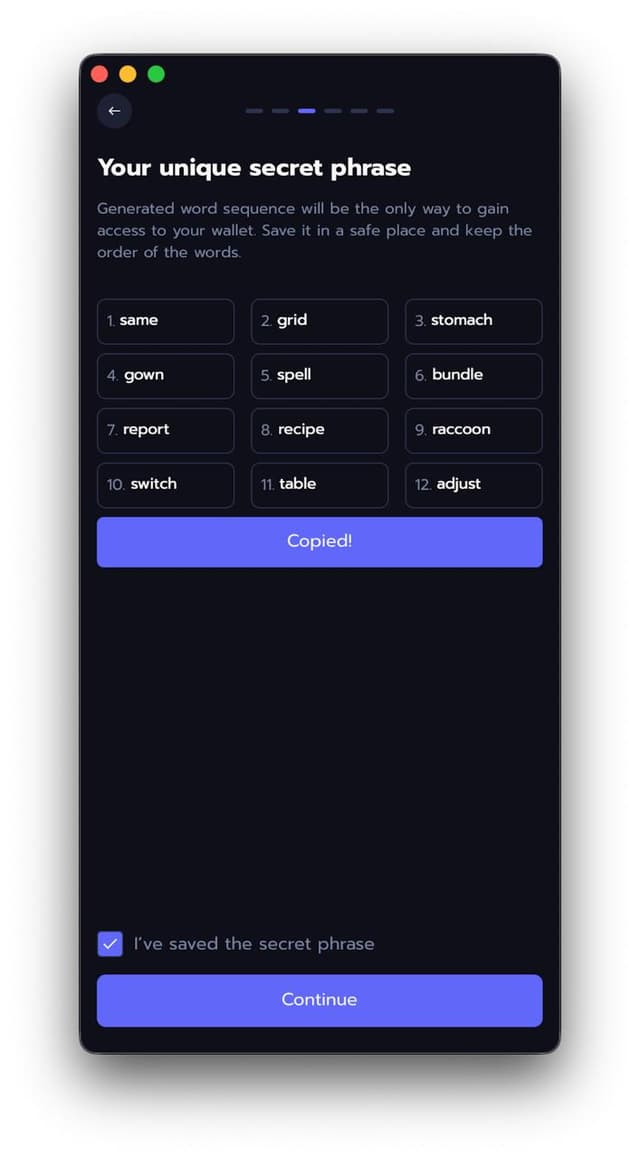
Back Up Your Seed Phrase
If you chose the secret phrase option, Nightly generates twelve words that are your master key. Write them down on paper (yes, actual paper) and store them somewhere safe. This is the only way to recover your wallet if you lose access — never share it with anyone, never screenshot it, never paste it into a website.
Name Your Wallet
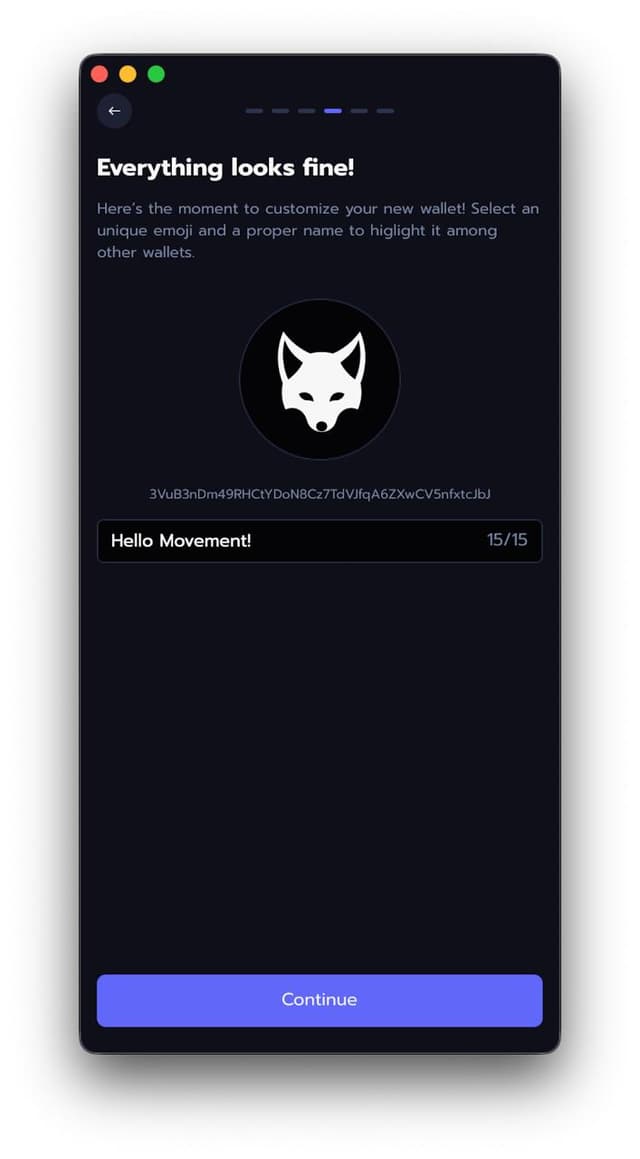
Almost there. Give your wallet a name to make it easy to identify — something like "Hello Movement!" works. You can also pick a custom emoji. This is just a display label for your own reference; it doesn't appear on the blockchain.
You're on Movement
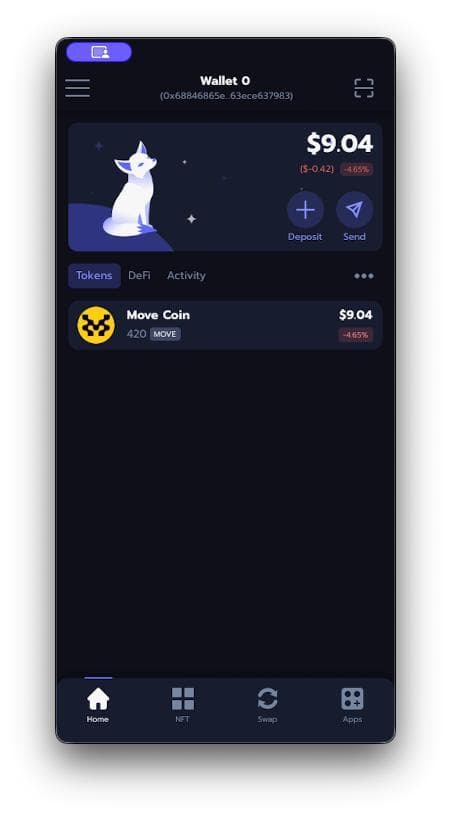
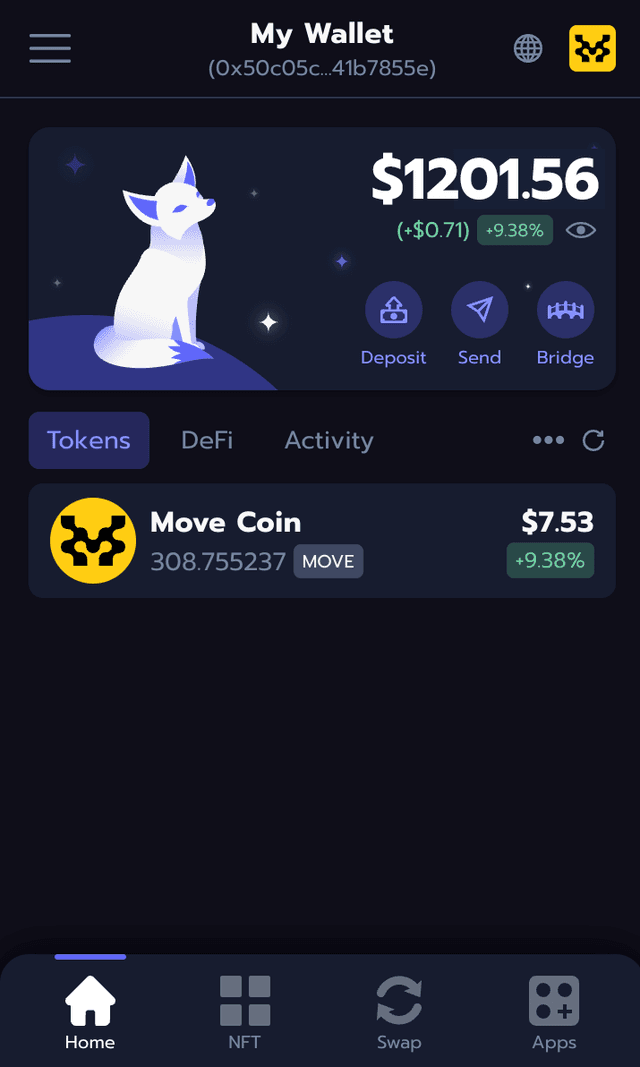
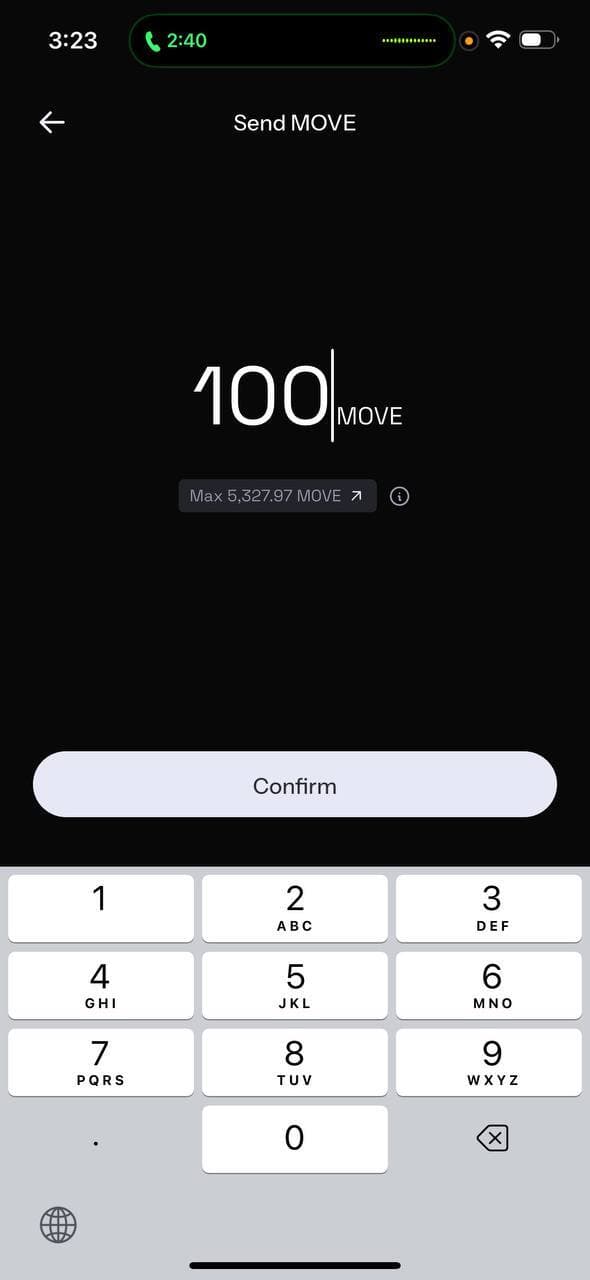
That's it — you're in. Nightly comes with Movement Network pre-configured, so your wallet is already connected. You'll see your address at the top, Move Coin in your token list, and quick-access buttons for Deposit and Send. No manual RPC URLs, no chain ID lookups — it just works.
Get Your First MOVE
Bridge assets using Movement's native Bridge, or pick up MOVE tokens directly through Nightly's integrated on-ramp via the Buy button. If you are coming through Kast you can start here. Within minutes, you'll have MOVE in your wallet and be ready to start exploring.
Explore the Ecosystem
Now the fun part. Visit Movement's app directory and connect Nightly to any dApp with a single tap. Swap tokens on Meridian, lend on Echelon, stake your MOVE, or explore the latest projects launching on the network on our Ecosystem Guide.
PRO TIPS

PIN YOUR FAVORITES
Long-press any token in your portfolio to pin it to the top. Makes it easy to track the assets you care about most.

USE MULTIPLE ACCOUNTS
Create separate accounts within Nightly for different strategies — one for DeFi, one for NFTs, one for long-term holds. Keeps things clean.

ENABLE NOTIFICATIONS
Turn on transaction alerts so you never miss a confirmation. Especially handy when you're waiting on a bridge transfer to land.