Welcome Kast Movers
How to withdraw your Kast MOVE rewards to a wallet you own
You've been earning MOVE rewards on Kast — nice. But those tokens are just sitting in your Kast's until you withdraw them to your own wallet. This guide walks you through setting up Nightly Wallet, pulling your rewards out, and exploring the Movement Ecosystem step by step. You'll need a wallet address before you can withdraw, so that's where we start.
SETUP  NIGHTLY WALLET
Open the Kast App
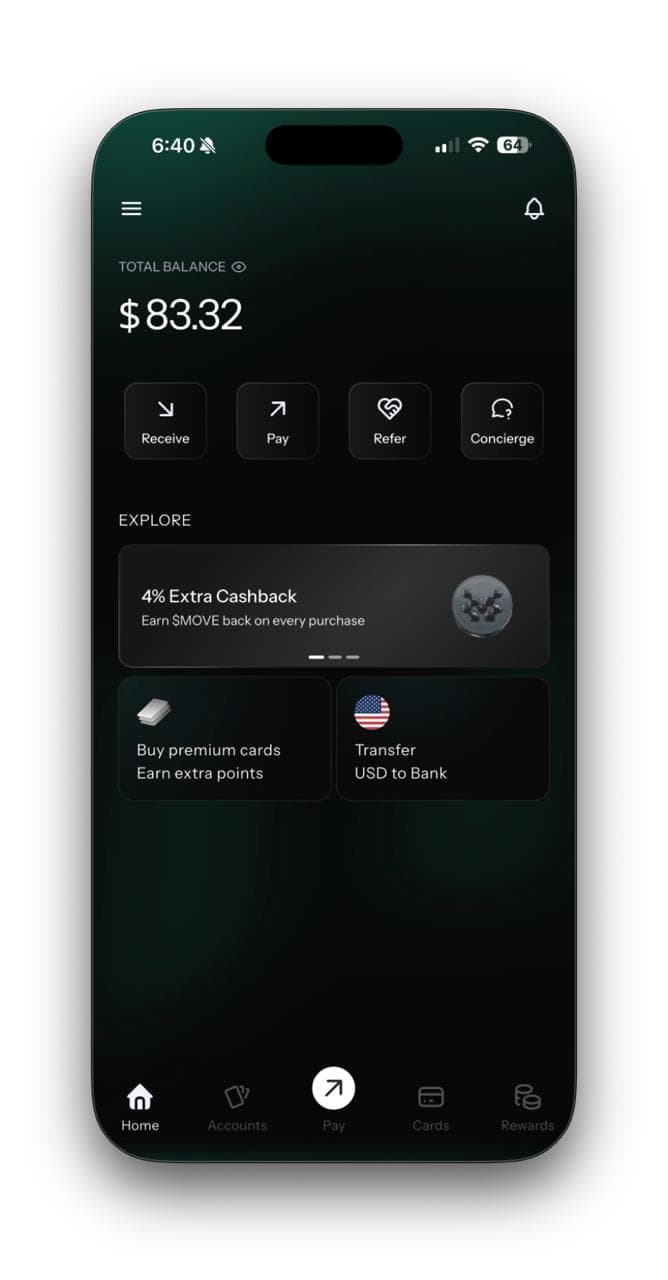
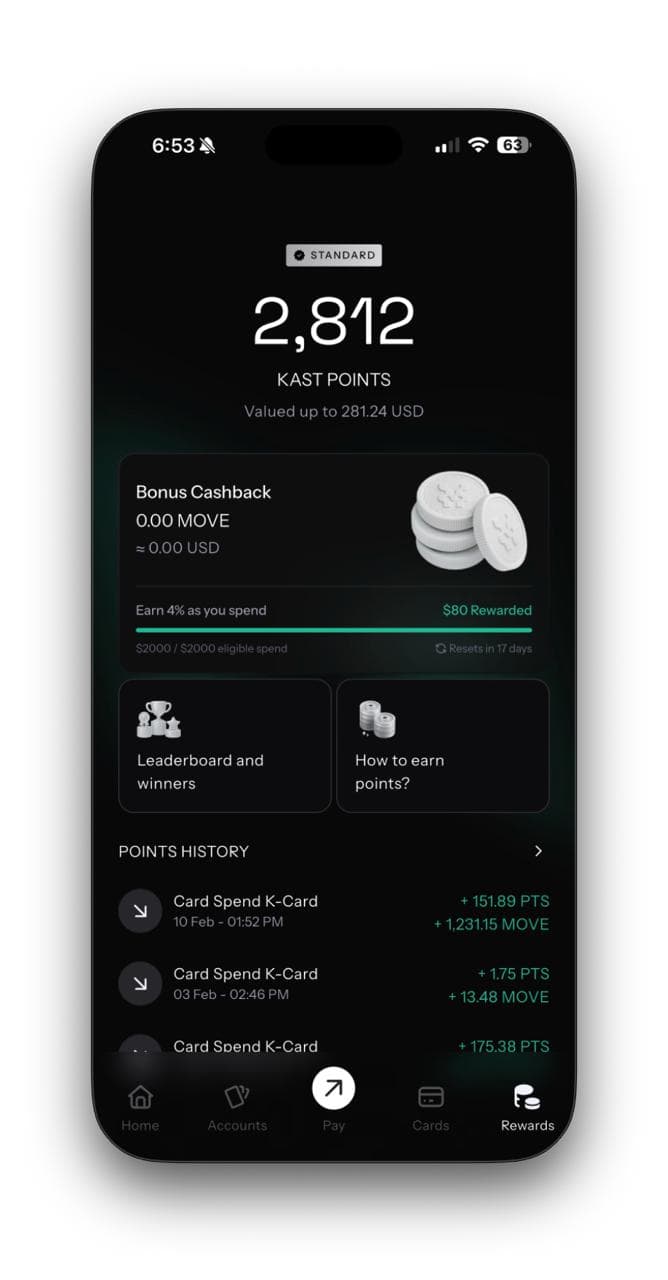
View Your Kast Rewards
Tap Withdraw
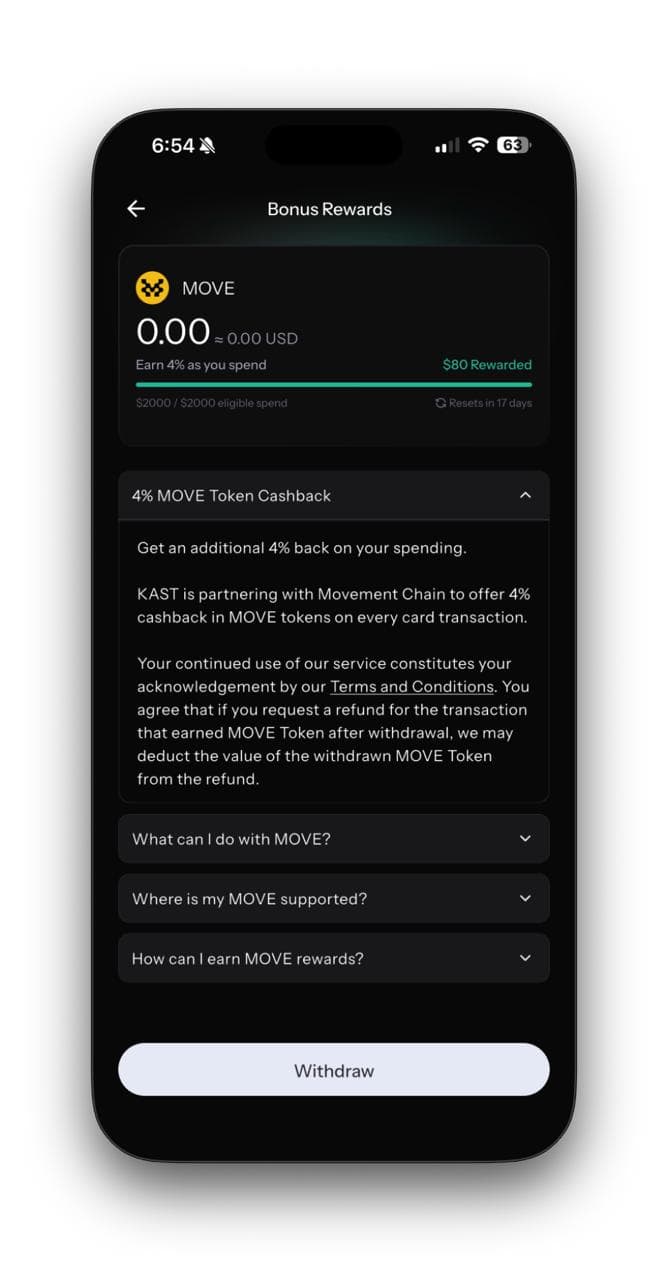
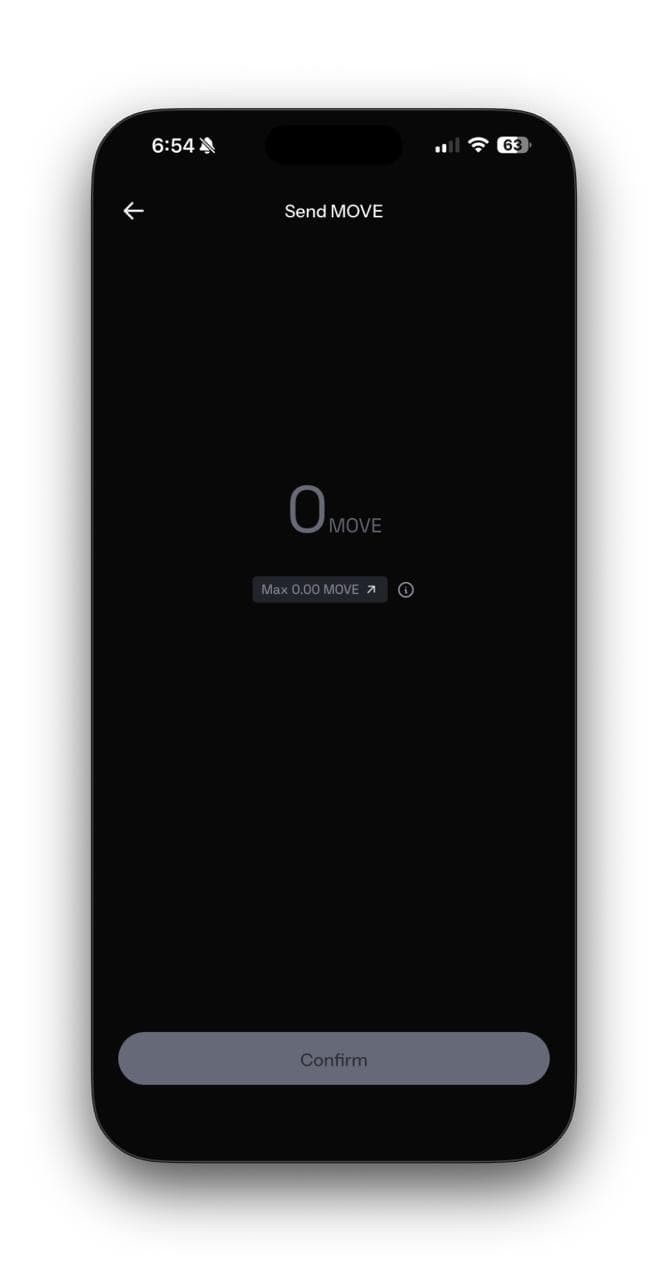
Enter Withdrawal Amount
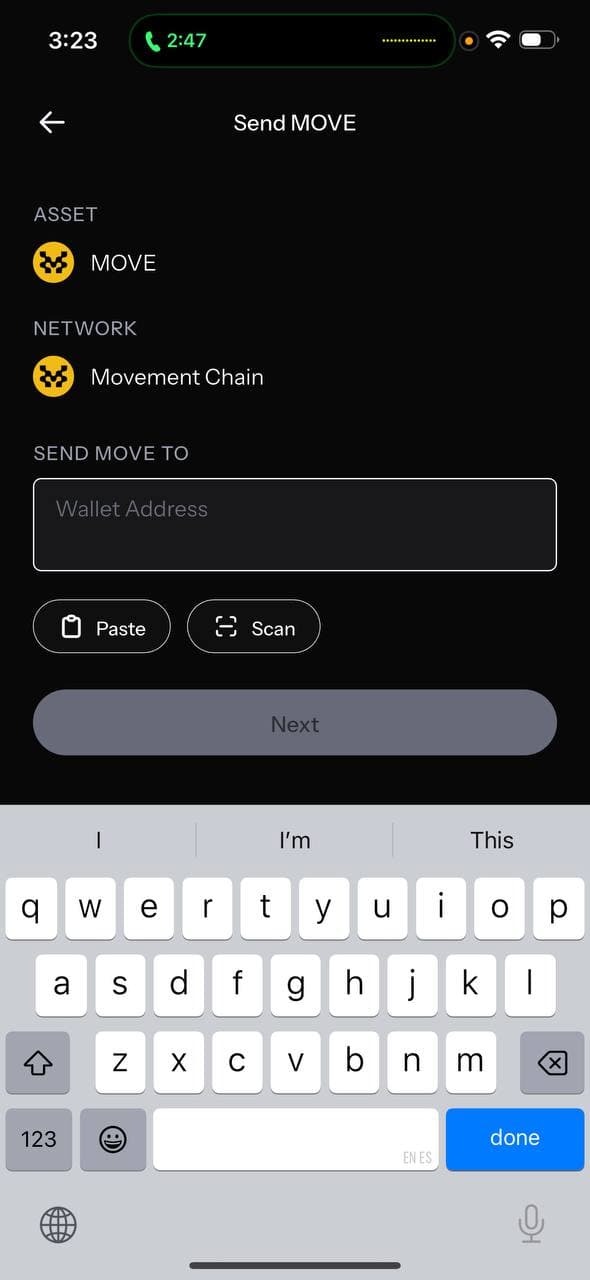
Paste Your Nightly Wallet Address
Get Your First MOVE
Explore the Ecosystem
Pro tips
Copy Address Carefully
Always use the copy button in Nightly rather than typing your address manually. One wrong character means lost funds.
Start with a Small Amount
If this is your first withdrawal, send a small test amount first. Once it arrives in Nightly, you'll know the address is correct and can withdraw the rest.
Check Movement Network
Make sure Nightly is set to Movement Network before copying your address. Sending to a wrong-network address could lose your tokens.
Stay safe
Do
Write your seed phrase on paper and store it offline
Enable biometric authentication when available
Verify transaction details before signing
Don't
Never share your seed phrase with anyone — period
Don't store your seed phrase in screenshots or notes apps
Avoid connecting to dApps from unfamiliar links