MOVEMENT NETWORK STAKING GUIDE

Start Earning in Four Steps

Everything you need to go from zero to staking on Movement L1 — from connecting your wallet to watching your rewards grow.
1

Connect Your Wallet

Get Set Up in Seconds
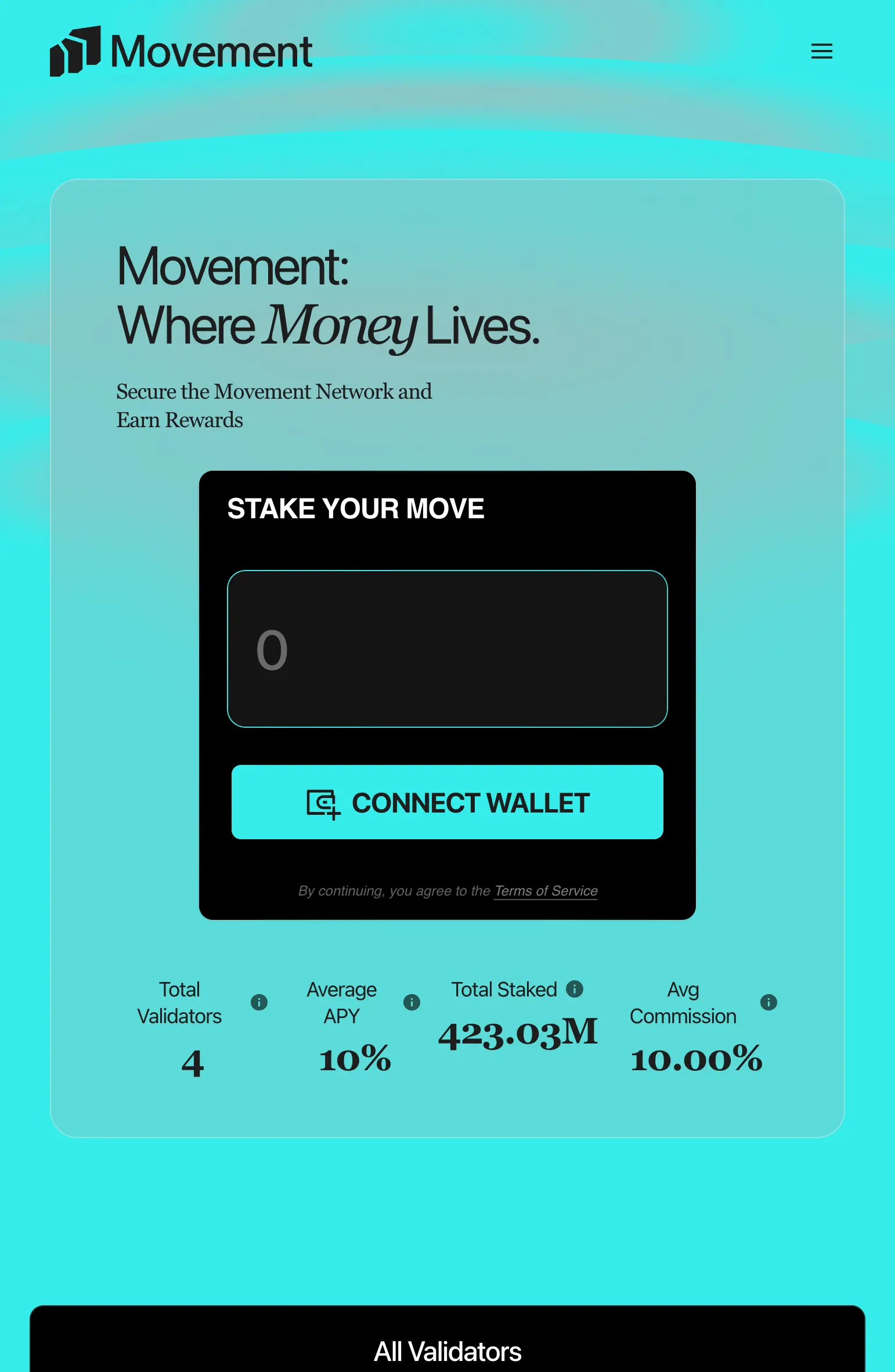
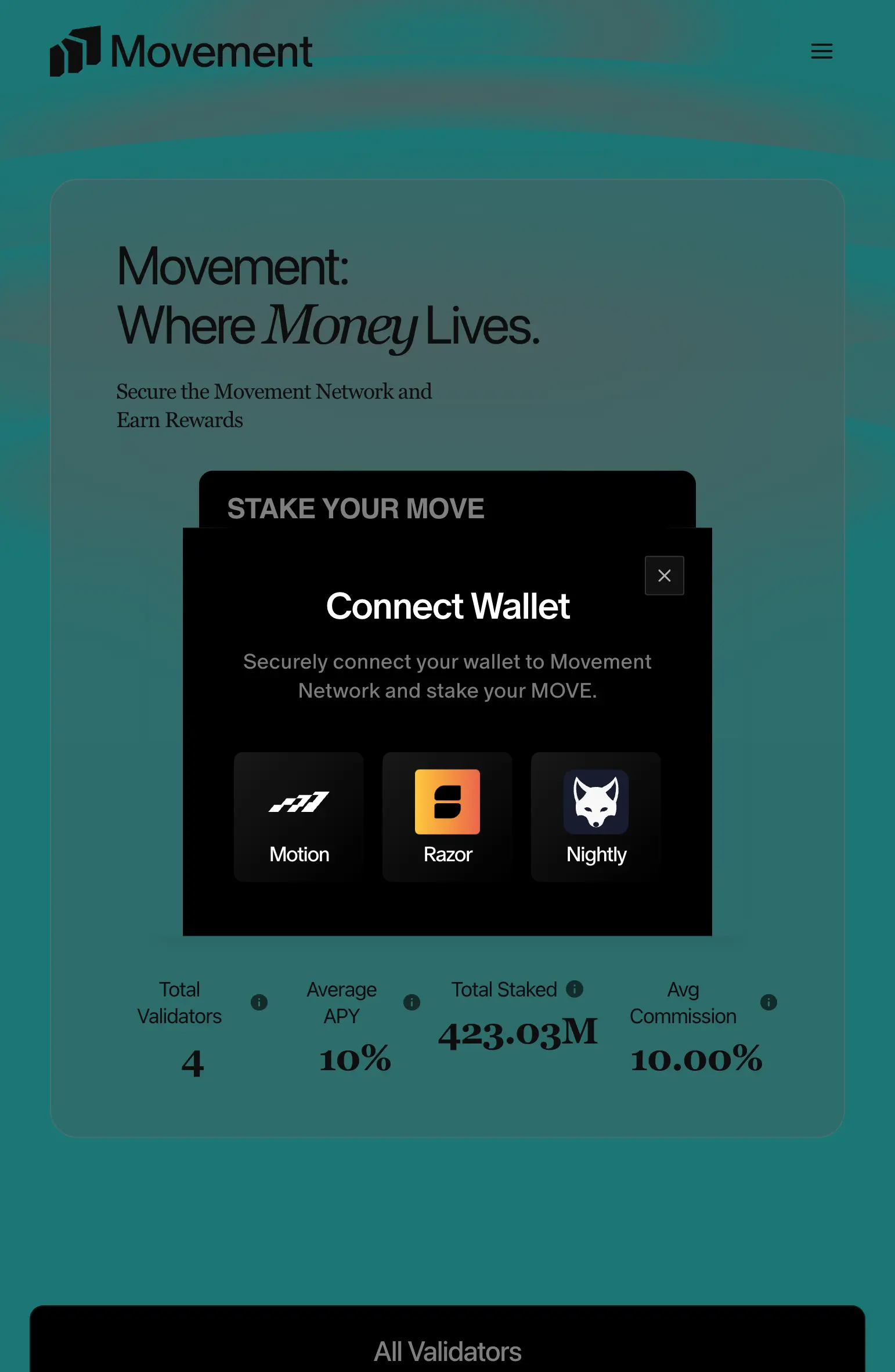
Head to the Movement Network and connect your Web3 wallet. Make sure you have MOVE tokens ready in your wallet balance — these are what you'll be putting to work. Once connected, you'll have full visibility into available delegation pools and their operator details.

Movement Network staking page with Connect Wallet button
2

Choose a Pool & Deposit

Stake Your Tokens
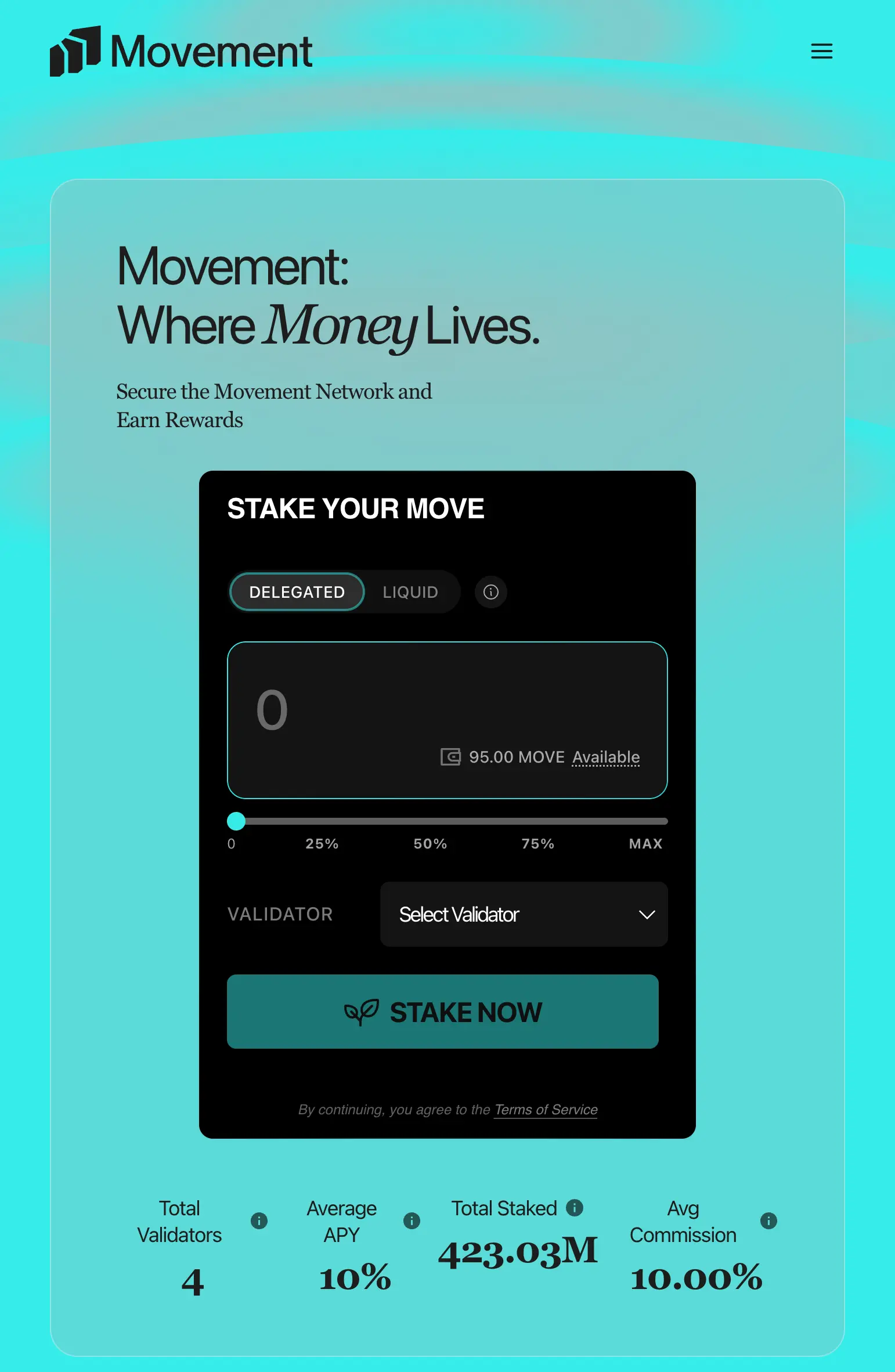
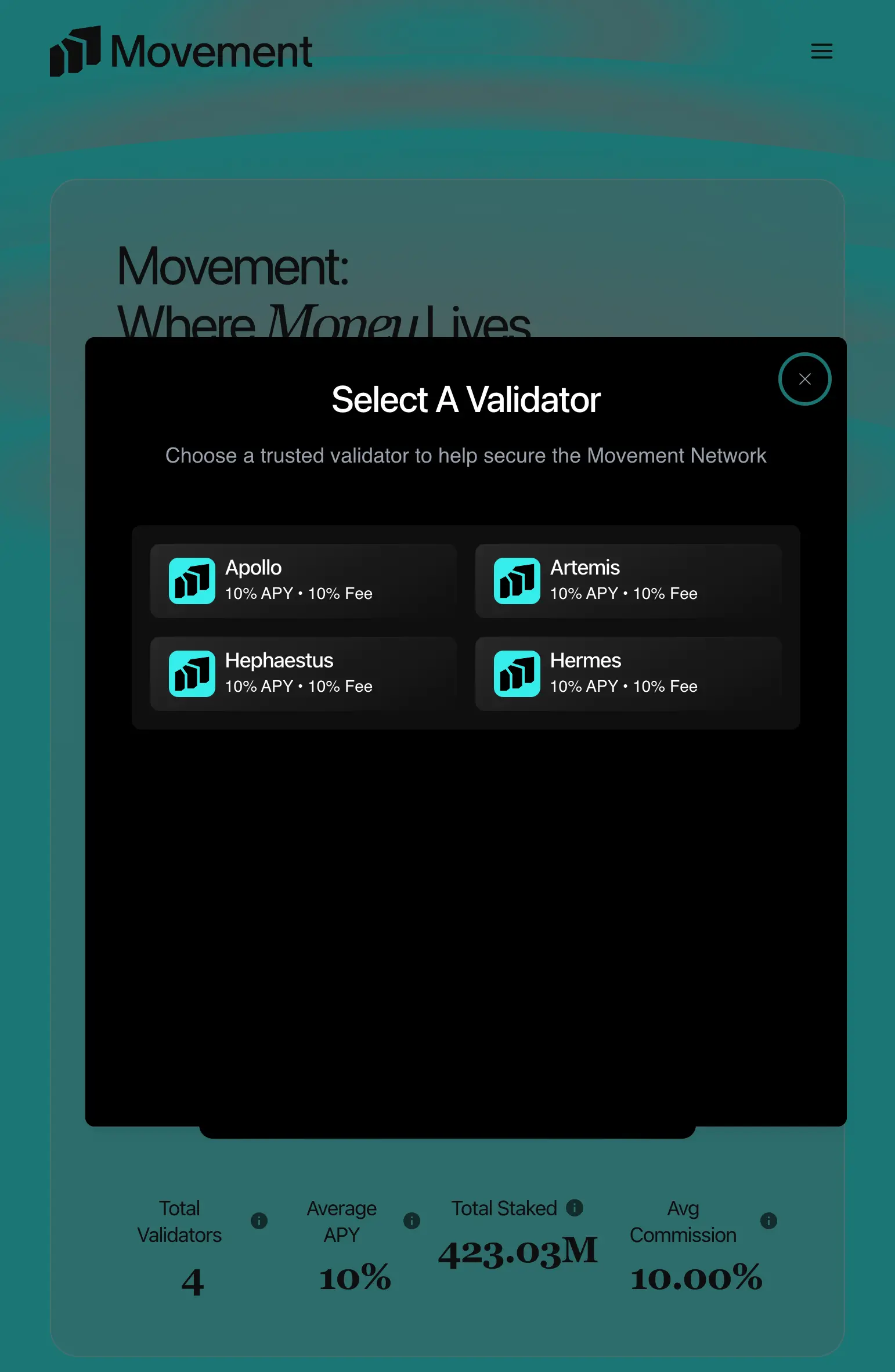
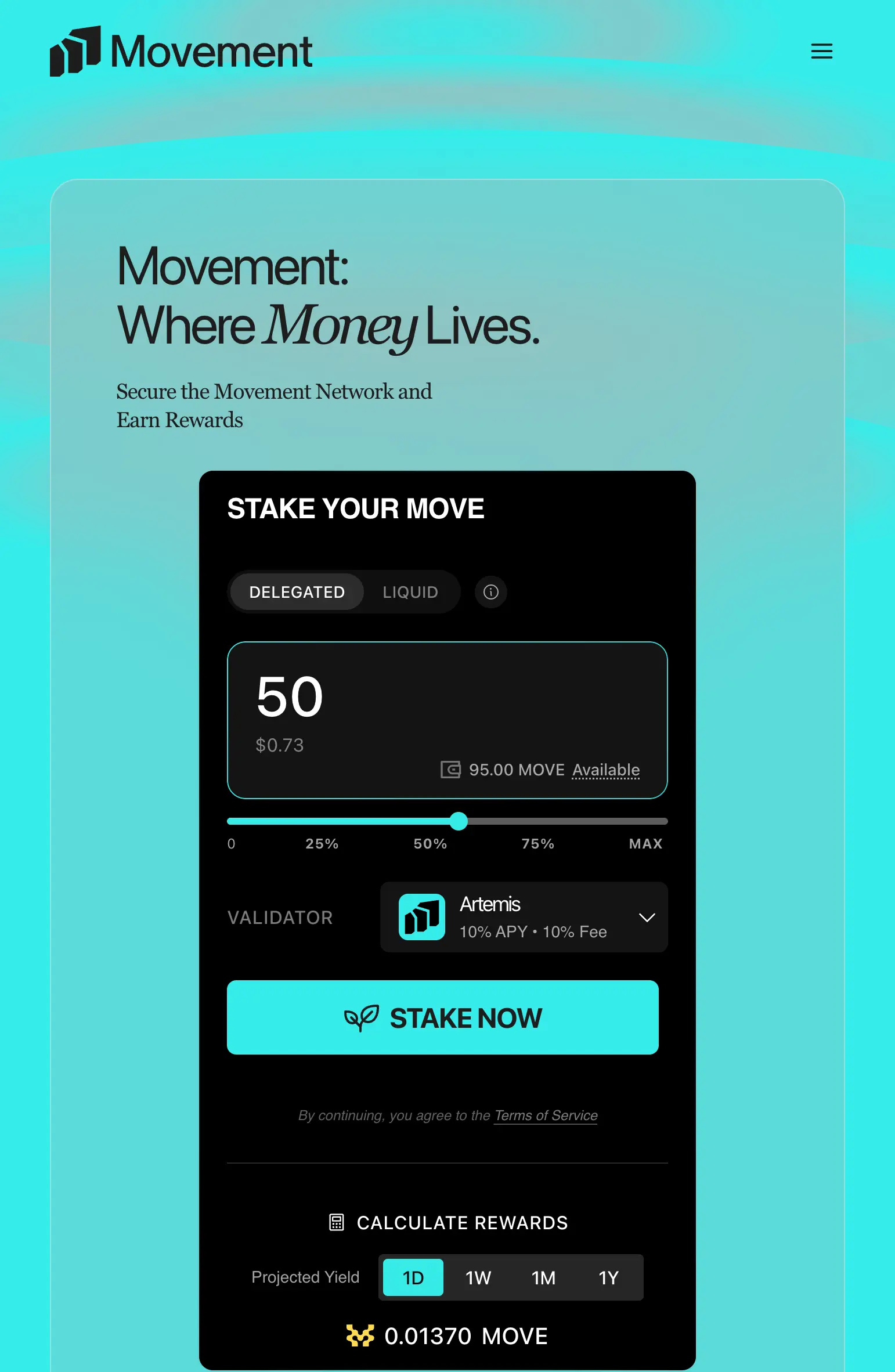
Select a delegation pool and deposit your MOVE. Your tokens will enter a brief pending state and activate at the next epoch — typically within hours. From that point on, they're live in consensus and earning staking rewards on every block.

Staking interface with amount and validator selected
3

Watch Your Rewards Grow

Earnings on Autopilot
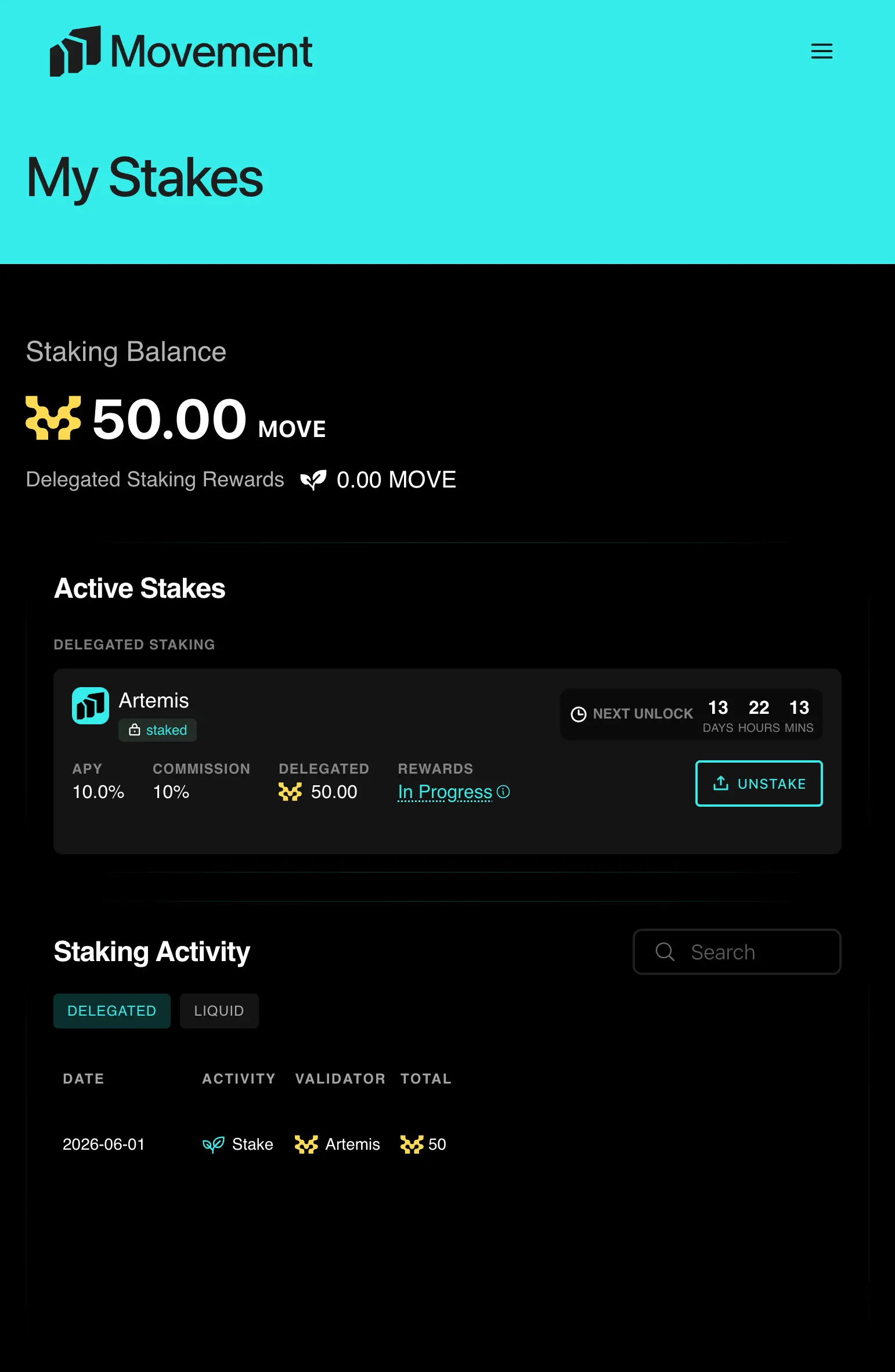
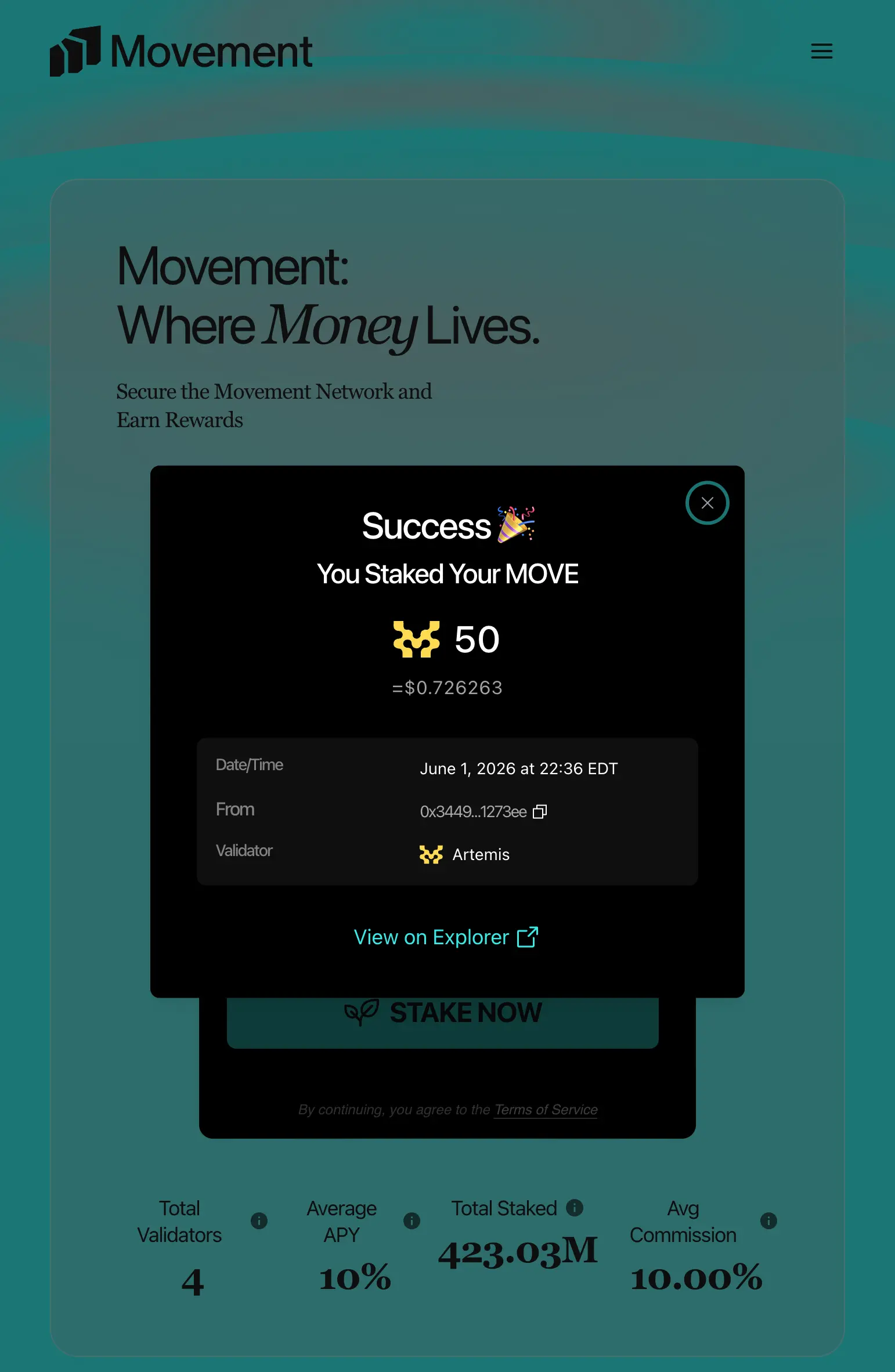
Movement uses a share-based rewards model, so there's nothing to manually claim. As the pool earns rewards, the value of your stake increases automatically in the background. Your share count stays the same — your token value just keeps climbing.

Success screen showing staked MOVE confirmation
4

Unstake & Withdraw

Exit Whenever You're Ready
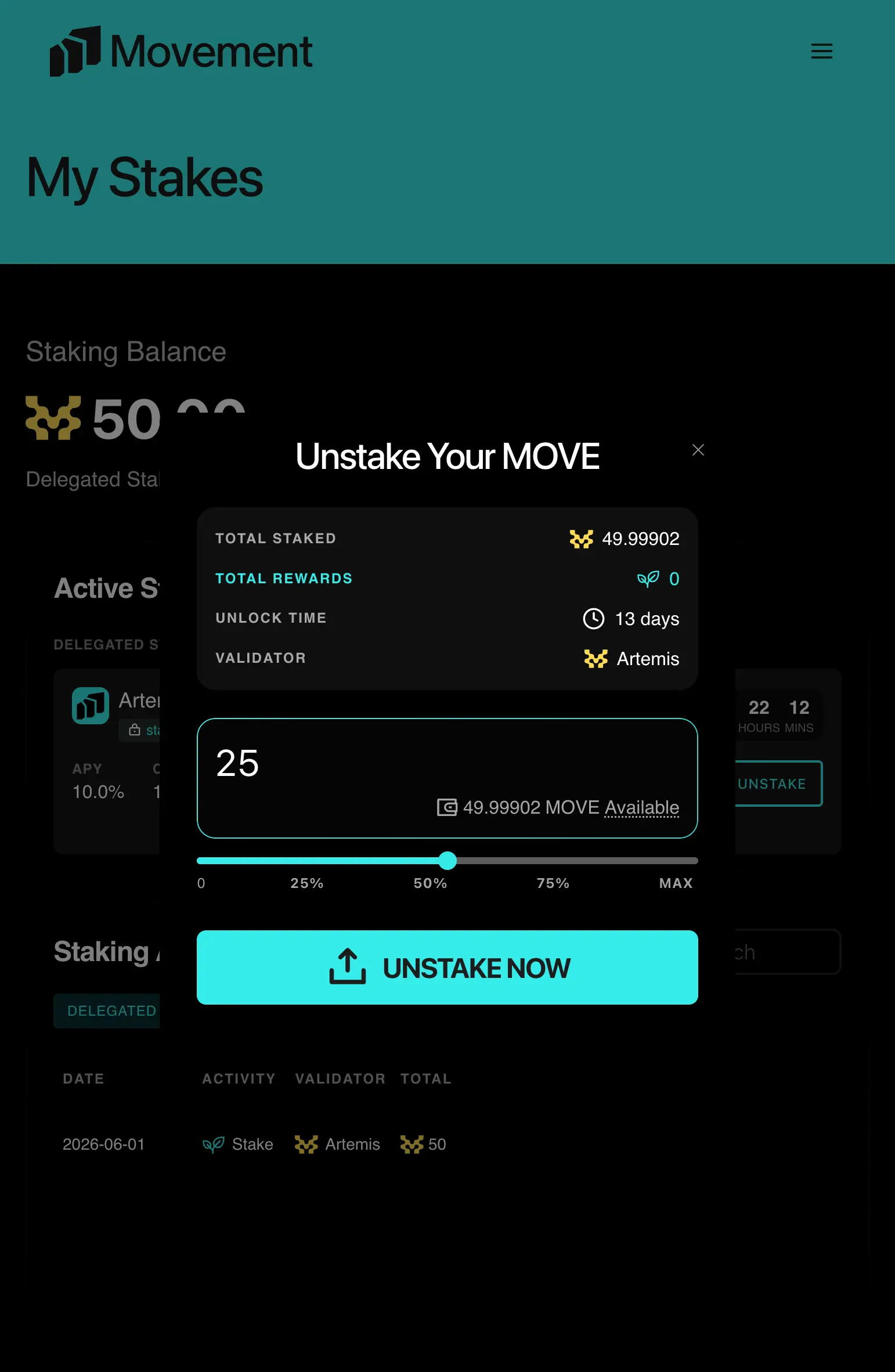
When you want to unstake, simply request an unlock. Your tokens will remain in the pool — and keep earning rewards — throughout the lockup period. Once the lockup expires, withdraw your full balance, principal plus all accrued rewards, in a single transaction.

Unstake your MOVE tokens and withdraw screen
💡

PRO TIPS

COMPARE VALIDATORS

Check each validator's APY and commission fee before staking. A lower fee means more rewards end up in your pocket.

STAKE & FORGET

Rewards compound automatically — no need to claim or restake. Just let your tokens work in the background.

PLAN YOUR EXIT

Remember that unstaking has a lockup period. Plan ahead if you need liquidity by a certain date.